
What Koralbryn Makes Available
A description of the system's active functions — what each one does, how it works within the wider organisation logic, and what users should understand before using it.
Content classification and labelling
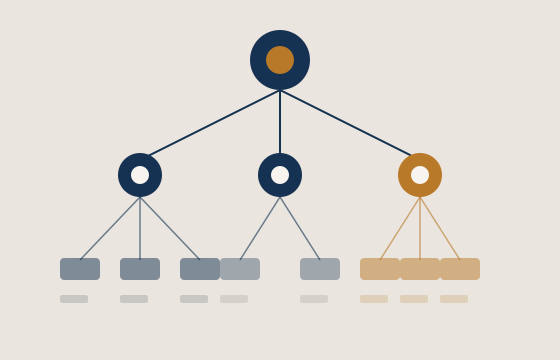
At the core of Koralbryn's operation is an automated classification process. When content enters the system, it is examined, labelled according to subject and type, and positioned within the appropriate section of the information hierarchy. Labels are applied consistently, so that users reviewing material from different sessions will encounter the same organisational logic.
The classification function does not change the content itself. It adds a structural layer that helps users navigate and compare material. Labels reflect the nature of the content as identified by the system, not interpretations or recommendations.
- Consistent labelling across all content types
- Hierarchical grouping by subject and context
- Labels are descriptive, not prescriptive
- Classification operates at the time of content entry
Structured information review
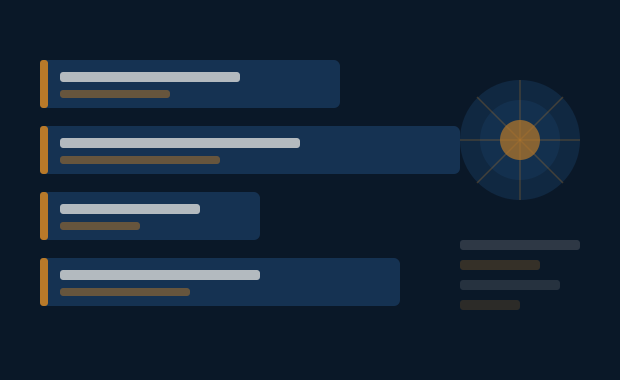
Koralbryn presents classified content through a review interface designed to support methodical, section-by-section reading. Rather than surfacing everything simultaneously, the interface organises material into panels that correspond to the classification categories assigned during processing.
Users move through the available material in a structured sequence, with the system maintaining their position and surfacing contextual content alongside primary material where appropriate. The review function is designed to reduce the cognitive load associated with navigating large or complex information sets.
- Panel-based layout follows classification structure
- Contextual content appears alongside primary material
- Review sessions can be resumed from the last position
- Interface adapts to the volume of content in each section

Arrangement and sequencing control
Within the structure assigned by the classification layer, users are able to adjust the sequence in which sections are presented. This does not alter the underlying classification but allows individual users to begin their review in the area most relevant to their current need.
Sequencing preferences can be set at the start of a session or adjusted as the review proceeds. The system retains user preferences for the current session and presents information accordingly. This function acknowledges that different users may prioritise different areas of the same information set.
- Users can reorder sections within the classification structure
- Preferences apply for the duration of the current session
- Default sequence reflects the system's classification logic
- Rearrangement does not affect the underlying content or labels
How the access process works
Describe your information need
Use the enquiry form to explain what you are looking to review and which area of the Koralbryn system you believe is relevant. The more clearly you describe your need, the more precisely the support team can respond.
The team reviews your request
Koralbryn's support team will examine your enquiry and determine the most appropriate response. In some cases, clarifying questions may be sent back to you before the team can proceed. Access is not automatic and depends on the nature and context of the request.
Guidance is provided
Once the team has assessed the request, they will provide guidance on what is available and, where relevant, how to locate the appropriate section of the system. This may be delivered via the email address provided in your enquiry.
Begin your review
With the relevant access in place, you can begin reviewing the information available in the relevant sections of Koralbryn. The system's review interface, classification labels, and arrangement tools will be available to support your session.
Ready to enquire about access?
The enquiry form is the starting point for any request relating to the Koralbryn system.